01
Find your focus
Run focused sessions with gentle notifications—without opening another app.
Apps, files and live widgets in one beautifully translucent space. Everything you need, right at the edge of your screen.
Free · macOS · No account required
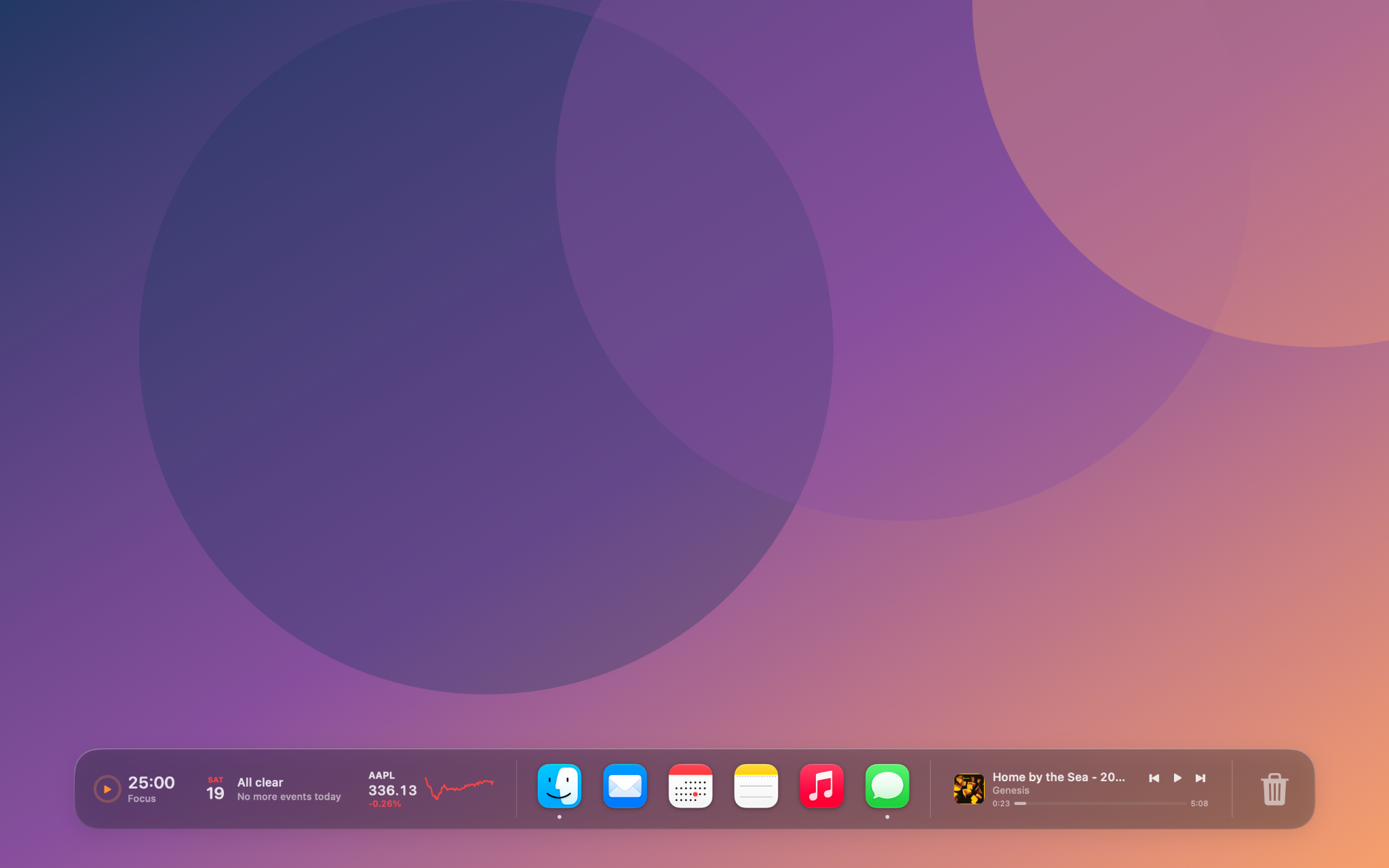
GlassDock turns the edge of your screen into a quiet, glanceable workspace. Click any widget when you want the details.
Run focused sessions with gentle notifications—without opening another app.
See what’s next and join Zoom, Meet, Teams or Webex in one click.
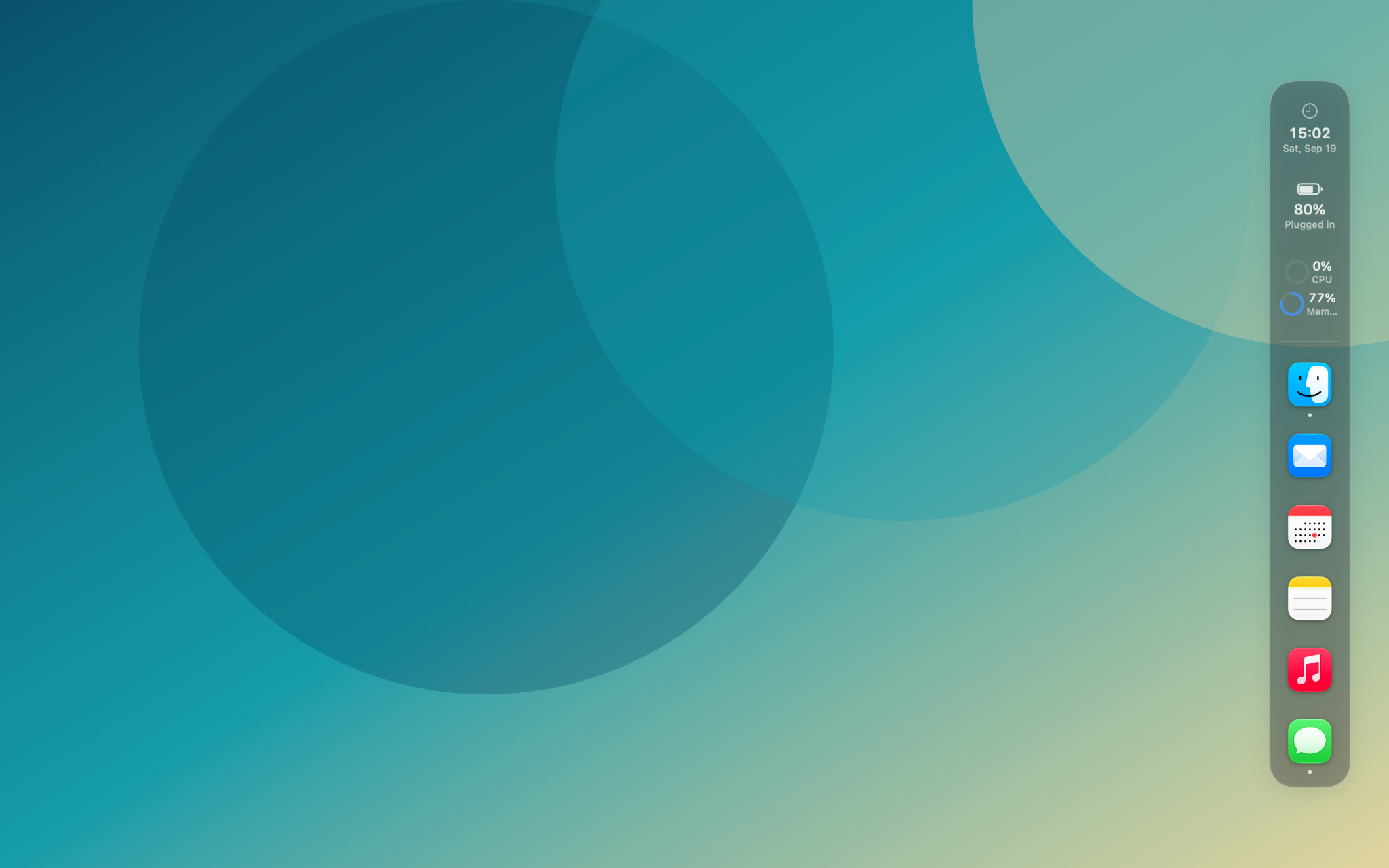
Monitor battery, memory, network and system activity at a glance.
Control Apple Music or Spotify without losing your place.
Place GlassDock on the left, bottom or right. Choose Liquid Glass or Frosted material, tune the size and transparency, then save a profile for every part of your day.
No account. No analytics. No data collection. Your calendar and reminder data never leave your device, and permissions are requested only when you enable a feature.
A clearer desktop starts here
Free · macOS · © 2026 Kaan Bilgen